Abel Cobreros

Custom software for companies

When is custom software worth developing for a company?

Building an application from scratch is not always the right choice. A standard tool is often faster and less expensive. Custom software becomes worth considering when manual work, unique processes, or disconnected systems have a clear operational cost.

Before recommending development, I review the process, available tools, and whether the expected benefit can justify the investment.

Before deciding

Custom software should not be the default choice

Before investing in your own application, you need to ask a much more important question:

Does the problem I want to solve justify creating a custom solution?

In many cases, the answer will be no. If a standard tool covers 80% of what you need well, it is probably better to start there.

However, forcing an important process into a generic tool can create enough extra work and errors to make custom development the better option.

This guide explains how to distinguish between those situations.

Focus

The question is not whether it can be developed, but whether it makes sense

Almost any process can be turned into an application, an internal dashboard, an automation or an integration between systems.

But just because something can be developed does not mean it is a good investment.

Custom software makes sense when it addresses a measurable business problem:

Saving hours of administrative work
Reducing repetitive errors
Centralizing scattered information
Connecting tools that do not currently communicate
Improving customer service
Shortening sales cycles
Creating a competitive advantage that is hard to copy

If development would not improve time, cost, control, capacity, or revenue, it is probably not a priority.

Comparison

Custom software vs standard software: when to choose each option

The practical decision is rarely limited to custom software versus a standard tool. You may use SaaS for common work, automate one step, integrate existing systems, or develop a focused application.

SaaS and custom software often work best together.

A standard tool can handle common requirements while custom software covers the specific workflows and integrations that do not fit.

SaaS or standard tool

  • You need to start quickly
  • The process is common
  • The initial budget is low
  • You do not need many adaptations
  • You can work reasonably within its limits
  • The provider handles maintenance

Custom software

  • The process is specific
  • You need to integrate several tools
  • There are many manual tasks
  • You need control over data and permissions
  • The process affects profitability
  • The solution can become a competitive advantage

If the process is common, buy a tool.

If the process is part of how you compete, consider building it custom.

The decision should be based on business impact, cost, risk, and maintainability rather than technical preference.

When it makes sense

When it is worth developing custom software

When your company has very specific processes

Some companies have specific workflows because their clients, industry, or operating model require them.

In those cases, a standard tool may fall short or require workarounds that make the process harder.

Custom software makes sense when you need the application to adapt to the process, not the other way around.

Sign this may be happening

A common sign: orders, requests, or cases repeatedly need exceptions, approvals, or internal rules that the current tool cannot handle cleanly.

  • Internal management with custom rules
  • Specific approval workflows
  • Dashboards for teams or departments
  • Private portals for clients
  • Order management with particular conditions
  • Sales processes that depend on a lot of internal data

When the process is important, repeated workarounds in a generic tool can cost more than they save.
When your tools do not exchange data

Many companies already have enough software.

The problem is that those tools are disconnected.

Customer data sits in a CRM, operational details in spreadsheets, transactions in an ERP, and approvals in email or WhatsApp. Someone then has to move information between them manually.

Sign this may be happening

This happens when an order comes through a website, is reviewed in Excel, confirmed by email and then manually entered again into Odoo, Holded, a CRM or another internal system.

An integration or targeted automation can often address this without replacing the existing systems.

A small connecting service may be more appropriate than a new platform.

When you lose many hours on manual tasks

If a task repeats every week, every day or several times a day, it is worth analyzing it.

Not every repeated task should be automated, but these activities are often worth measuring:

The key is calculating the actual cost.

Sign this may be happening

If one person spends several hours every week copying data, preparing reports, reviewing requests or chasing information across emails and spreadsheets, there is probably a clear automation opportunity.

  • Copying data between systems
  • Generating documents manually
  • Reviewing information in Excel sheets
  • Sending repetitive notifications
  • Classifying requests
  • Preparing reports
  • Checking order statuses
  • Validating data one by one

A task that seems small can turn into many hours per month when several people repeat it or when it affects important processes.

When software supports a competitive advantage

Some processes are not just internal administration.

They are part of how your company sells, serves, produces, delivers or differentiates itself.

In those cases, using exactly the same tools as all your competitors can limit you.

Sign this may be happening

A common sign: customers need a better way to order, check status, book, buy, or receive information than your current tools provide.

  • A B2B portal to streamline orders
  • An internal system to manage operations
  • A platform to offer a new digital service
  • A tool that improves your customers' experience
  • A system that handles more work without the same increase in administration

Custom software can support a faster process designed around those customer needs.

Custom development is easier to justify when the process directly affects how the company competes or serves customers.

When you need to control data, permissions and internal workflows

Some companies need more control than a standard tool offers.

This may be necessary for security, accountability, or operational control.

You may need to define role-based permissions, limit what each user sees, control statuses, log changes, generate histories or adapt each flow to different client, team or department types.

Sign this may be happening

A common sign: several people handle the same process, but nobody can quickly confirm its status, approvals, or latest information.

A custom application can provide clear ownership, status history, and audit records.

This is particularly useful when several roles share a process and errors, duplicate work, or missing information have material consequences.

When it does not

When to use a standard tool instead of custom software

Not every problem needs custom software.

If an existing tool solves the problem well, it will usually be faster, cheaper and more sensible to start there. Sometimes I will tell you it is not worth developing it.

When a solution already exists that covers the problem well

If you need basic invoicing, simple client management, email marketing, simple bookings or common tasks, there is probably already a good tool for that.

And in many cases it will be cheaper, faster and more complete than developing something from scratch.

Developing custom software just to replicate an existing tool is usually a bad idea.

The right question is: what do I need that a standard tool cannot reasonably solve?

If the answer is not clear, it is worth reviewing options before investing in development.

When the process is not yet defined

If your company still does not know exactly how it wants to work, developing a custom application can be risky.

Custom software works best when there is a defined process to improve, not when you are still improvising.

Before developing, it is worth clarifying:

  • What problem you want to solve
  • Who will use the tool
  • What data is important
  • What steps the process has
  • What is currently done manually
  • What result you expect to achieve

If that part is not clear, it may be better to start with a consulting phase, a prototype or a simple automation before building a full application.

When the savings do not justify the investment

Custom software must have a return.

It does not always have to be an immediate return, but there must be an economic logic behind it.

The return may come from time savings, fewer errors, improved sales, better customer service, less manual work, or increased operational capacity.

But if the problem is small, happens rarely or affects the business little, it may not be worth developing anything.

In those cases, the honest thing is to say so.

When the goal is a cheaper copy of a major platform

Sometimes a company asks for "something like Holded", "something like HubSpot" or "something like Odoo", but cheaper and adapted.

That is usually not a good approach.

Creating your own version of a big tool can be expensive, slow and difficult to maintain.

A better approach is to identify the specific gap in the existing SaaS and build only the part that justifies custom development.

Decision matrix

Which starting point fits each situation?

A complete application is only one option. Buying a tool, automating a task, integrating systems, or clarifying the process may be a better first step.

Situation Best starting point
You need to manage something common like invoicing, CRM or email marketing Standard tool
You copy data between several tools Integration
You repeat manual tasks every week Process automation
Several people work on the same process Internal application
You want to offer a digital service to clients Custom platform
The process is not clear yet Prior consulting

Return

How to calculate the return on investment of custom software

Before starting custom development, it is worth making a simple estimate. It does not need to be overcomplicated. You can start by answering these questions:

1

How many hours are lost per month?

For example, if a person spends 10 hours a week on repetitive tasks, that is about 40 hours per month. If part of that work can be automated or simplified, the savings can be significant.

2

How much do errors cost?

Some errors not only consume time. They also generate delays, complaints, lost clients, poorly managed orders or decisions made with incorrect data. Reducing errors can have more impact than saving hours.

3

How much does it limit capacity?

A spreadsheet may work for 20 clients but become unreliable at 200. Manual order handling can also break down as volume rises. Custom software may make sense when the current process works only at low volume.

4

Which part of the process affects revenue?

Not all processes have the same importance. Software is easier to justify when it affects sales, operations, production, customer service, invoicing, team management, or decision-making. Revenue-critical and cost-heavy processes usually provide a clearer business case.

ROI / NEXT STEP

Want to know if the numbers work in your case?

I can help you review the process, compare existing alternatives, and estimate whether custom development has a credible business case.

The initial conversation helps determine whether to develop, automate, integrate, use an existing tool, or wait.

Book a free initial consultation

Examples

Case studies where custom software made sense

Not every project starts the same way. In some cases the value is automating internal processes, in others it is connecting systems or creating a platform adapted to a specific way of working.

PymeTime control panel

PymeTime

Workforce management and time tracking for SMEs

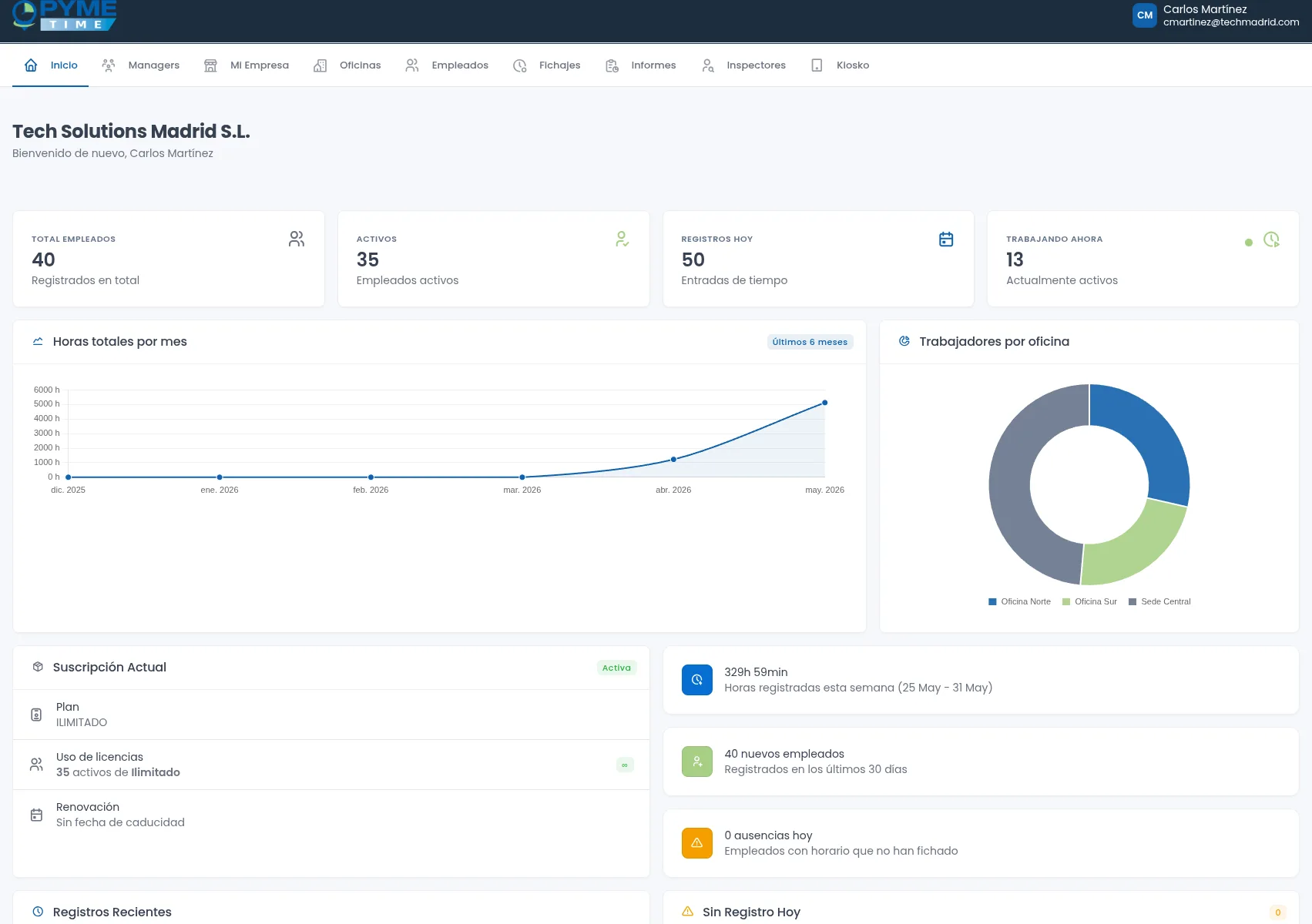
A time-tracking platform that also centralizes employee records, holidays, leave, and working-hour records.

It replaces processes that many SMEs previously managed across separate tools and documents.

Why custom software fit: the recurring process had to support different operating rules across SMEs; the resulting platform is now used by more than 100 companies.

View case study
AeroSports B2B platform

AeroSports

B2B portal connected with Odoo

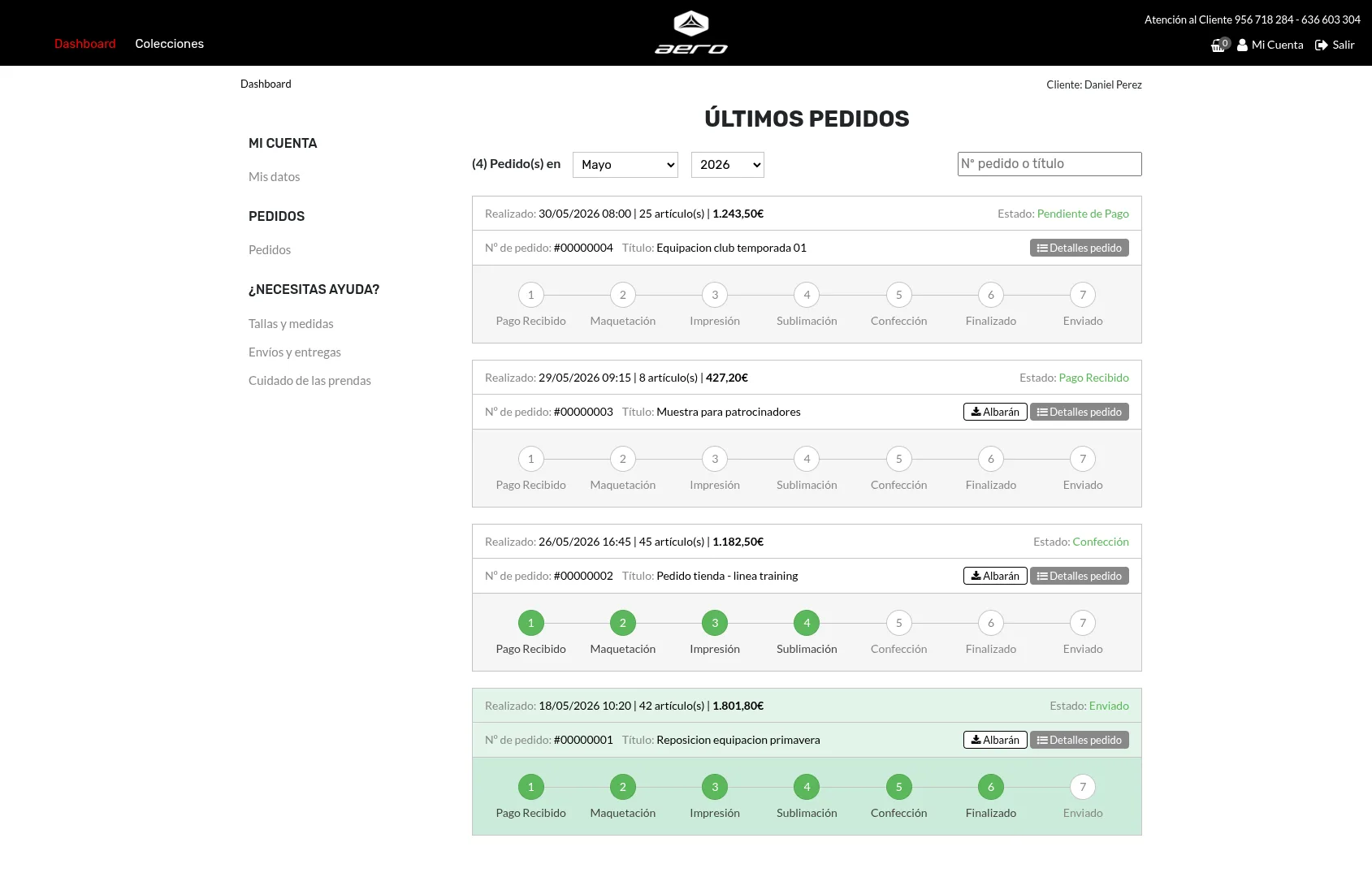
A platform to manage catalogs, clients and size-based orders, connected with Odoo to avoid duplicating administrative work.

It avoids duplicating orders and data between the sales portal and Odoo.

Why custom software fit: the requirement involved a specific B2B sales and production workflow connected to the management system.

View case study
Asansull HR management platform

Personas / Asansull

Internal HR process automation

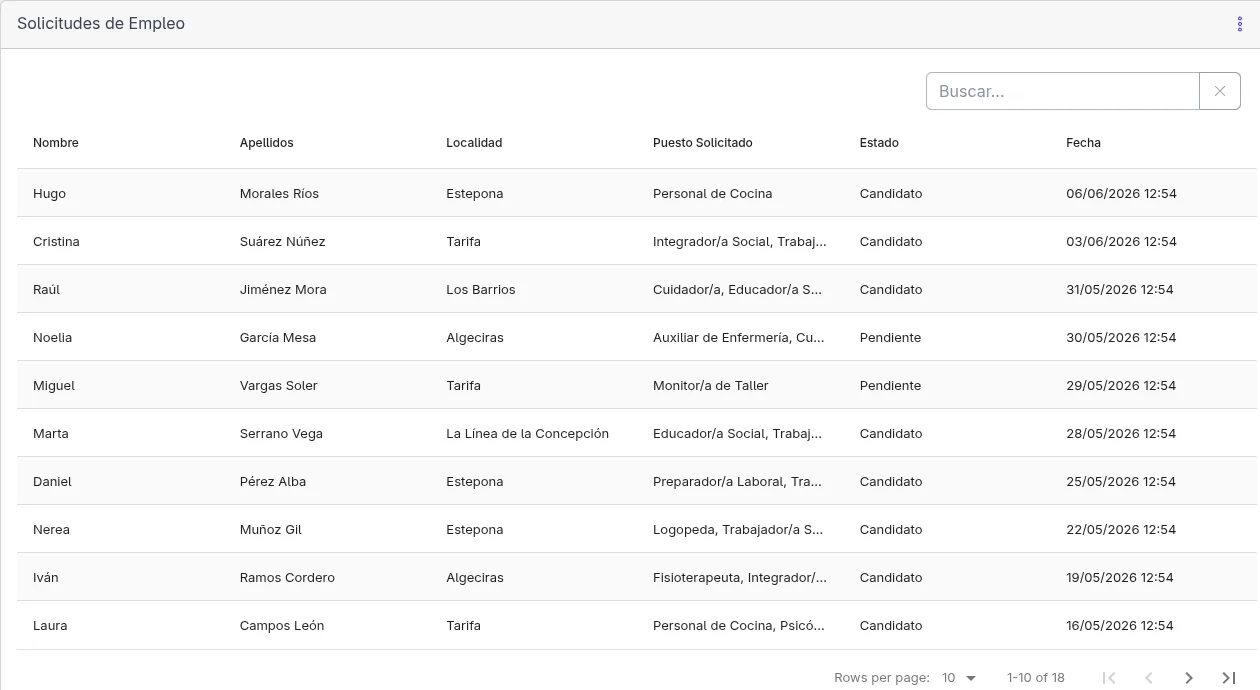
An internal system to centralize requests, candidates, documentation, holidays, leave and workforce management.

It reduces dependence on forms, documents and manual follow-up between departments.

Why custom software fit: several workflows, user roles, and documents had to share the same data and status history.

View case study

Want to see more examples?

I have worked on web applications, automation, integrations, SaaS platforms and internal tools for companies.

View all case studies
Abel Cobreros

Recommendation

My recommendation before developing anything

Before discussing technology, I first need to understand the process, where time is lost, which tools are already in use, and what benefit a change could deliver.

It is also worth reviewing what happens now, which errors repeat, what data is important, which people are involved and what you want to improve.

The answer may be a standard tool, a targeted automation, an integration, an internal dashboard, a complete application, or no change yet.

Development should follow a sound business case, not become the goal itself.

Abel Cobreros Custom software developer and technical consultant

Frequently asked questions

Frequently asked questions

Answers to common questions before you make a decision.

Use a standard tool when it covers the main process well, a low initial cost matters, and its limits are workable. Consider custom software when adapting the company to the tool creates substantial extra work or errors, or when a specific workflow provides an important business advantage.

That is quite common. In those cases, it is not advisable to start directly with development, but to analyze the process, review existing tools and define which part is worth automating, integrating or developing custom.

Standard software is designed to solve common needs for many companies. Custom software is designed around a specific way of working, with custom rules, integrations, permissions and processes. The important difference is not technical, but how well it fits the business.

It depends on scope, integrations, users, permissions and process complexity. The important point is not only the initial cost, but whether the development can save time, reduce errors or improve operations enough to justify the investment.

It is not worth it when a standard tool already exists that solves the problem well, when the process is not yet clear or when the expected savings do not justify the investment. It is also usually not a good idea to develop a copy of a big tool just to try to save on licenses.

It depends on the case. A SaaS is usually better when you need to solve a common process quickly and with lower initial investment. Custom software makes more sense when you need to adapt the solution to your own processes, integrate systems, control data or create a tool that provides a specific advantage to your company. Often the best option is to combine both.

Yes, but it does not always make sense to start with a large application. In many SMEs it is better to start with an automation, an integration or an internal dashboard that solves a specific problem. What matters is not the size of the company, but that the problem has enough impact to justify the investment.

Start by calculating hours lost each month, recurring errors, correction costs, delays, and capacity limits. Compare those costs with development, maintenance, training, and migration. The case is stronger when the expected benefit is measurable and sustained.

Not necessarily. In many cases, the best approach is not to replace everything, but to connect or complement the tools you already use. For example, you can keep your ERP, CRM, WordPress or Odoo, and develop a specific solution to cover the part that those tools do not solve well.

Often, yes. If the process is small or very specific, an automation may suffice. If several users, permissions, data, statuses and workflows are involved, it may make more sense to create an internal application or custom platform. The recommended approach is to start by analyzing the process before deciding on the technical solution.

Not sure whether you need custom software?

Tell me about your situation. I will give you a direct assessment of whether custom development makes sense, a standard tool is a better fit, or a smaller first step would be more prudent.

Book a free initial consultation

There is no obligation. The purpose is to understand the process and assess whether development has a credible return for your company.